 MQBone
Free
On every supported car.
US$0no activation needed
- Diagnostics
- Fault codes and adaptations
- Live data
- Gauges, graphs, widgets and ECU Controls
- Logs
- Import, view and share
MQBone reads live data, records your runs and programs supported engine and gearbox controllers over OBD. On iPhone, iPad and Mac.
Requires MQBadapter, our OBD-II adapter.
Live data
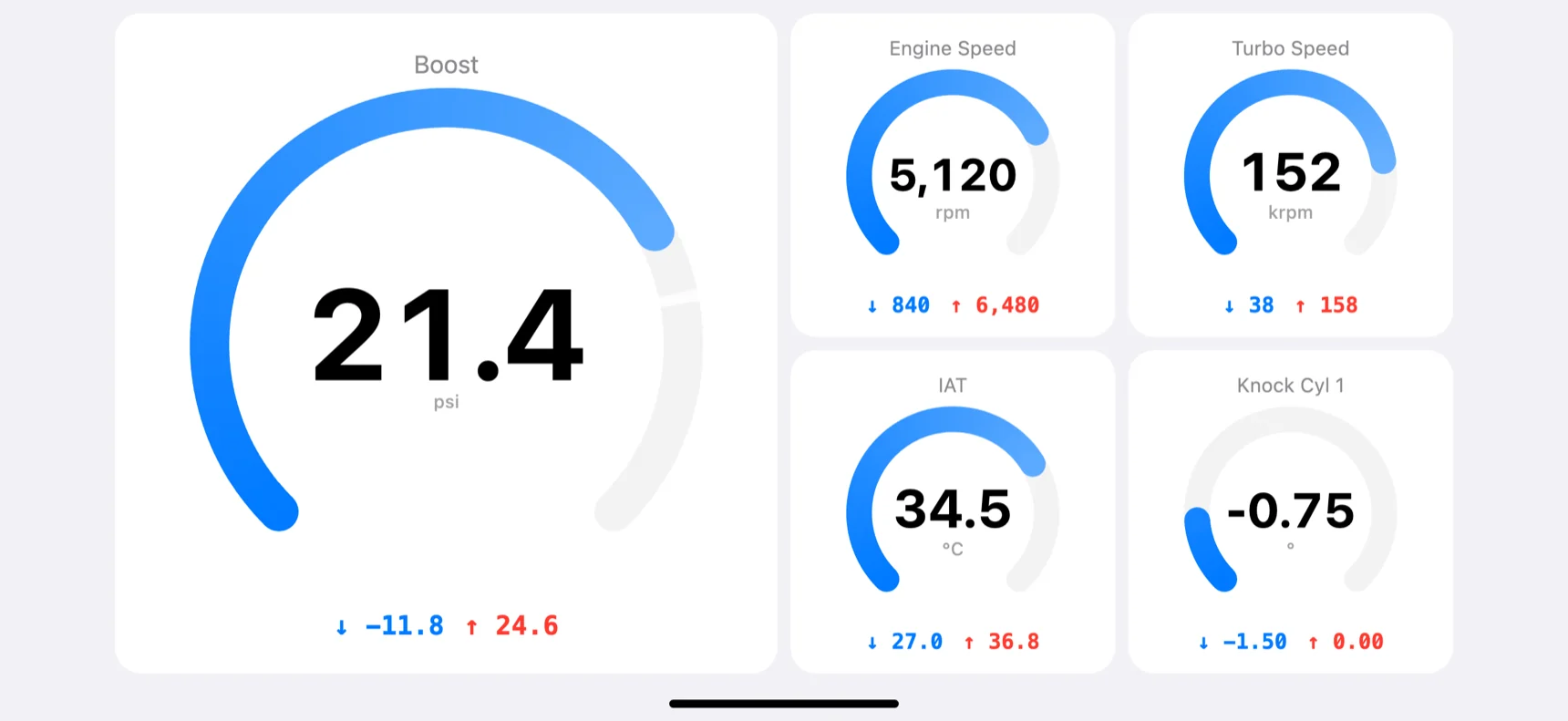
Gauges and graphs with running minimum and maximum. Mode 22 and HSL where the controller supports it.
Logging
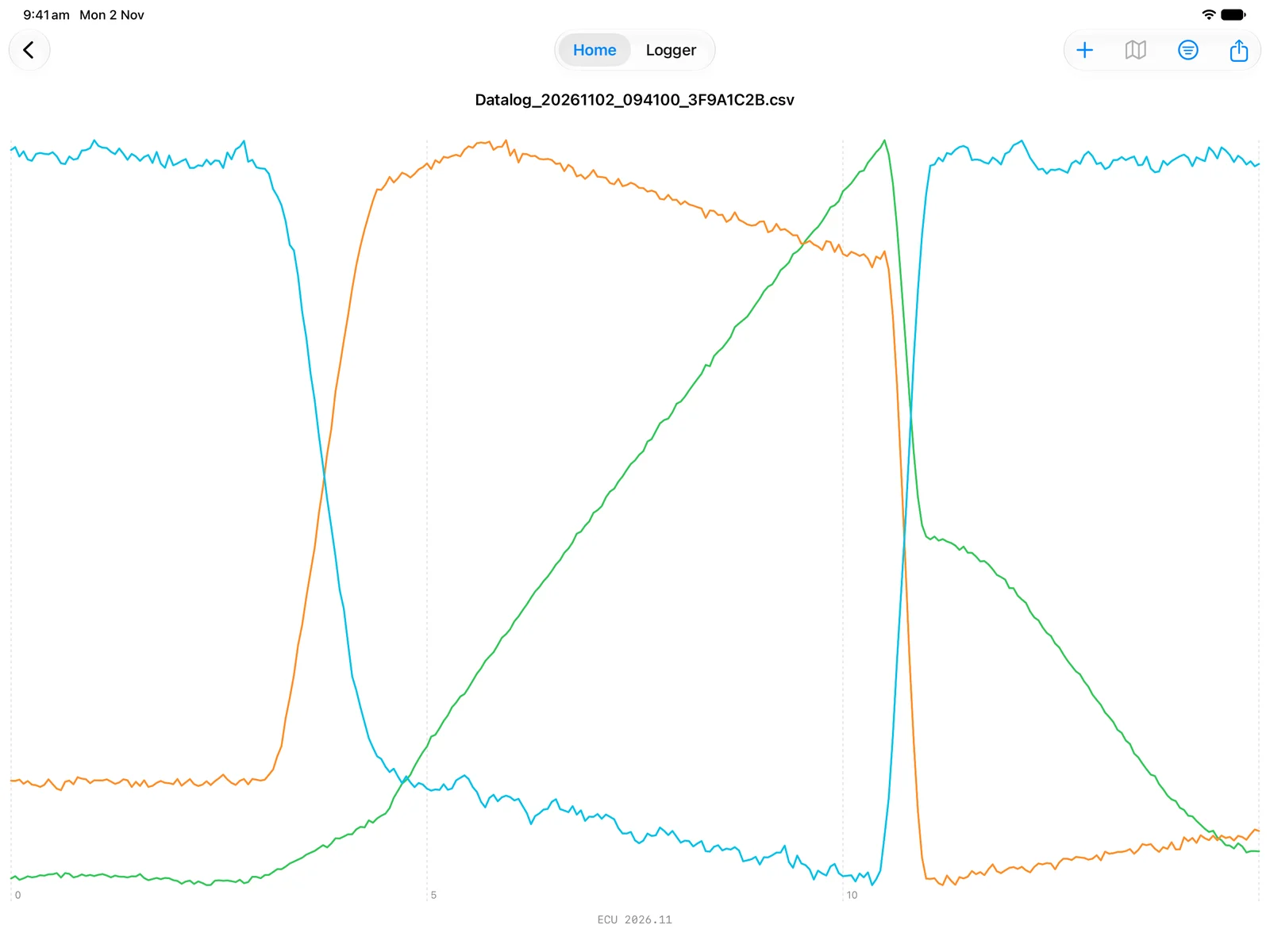
Start by hand or on a trigger. A lead-in keeps the seconds before it. Scrub the graph, read every value at the cursor and choose which PIDs to draw.
Diagnostics
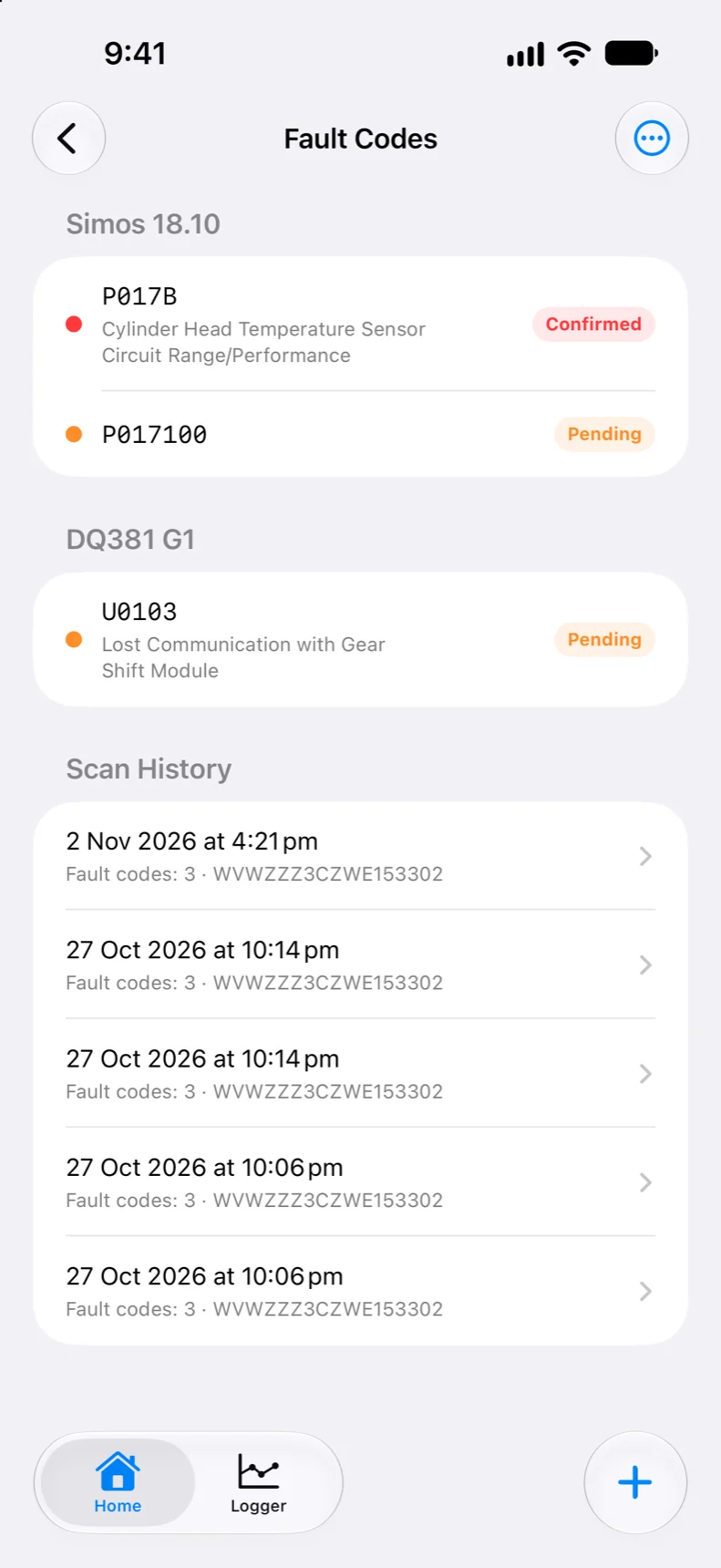
Engine and gearbox codes, controller information, scan history and adaptations. Free on every supported car.
Advanced Diagnostics
Scan every module in the car, not just the engine and gearbox. Read and clear faults with plain-English descriptions, change coding and adaptations, run basic settings and output tests, and back up a module before you touch it.
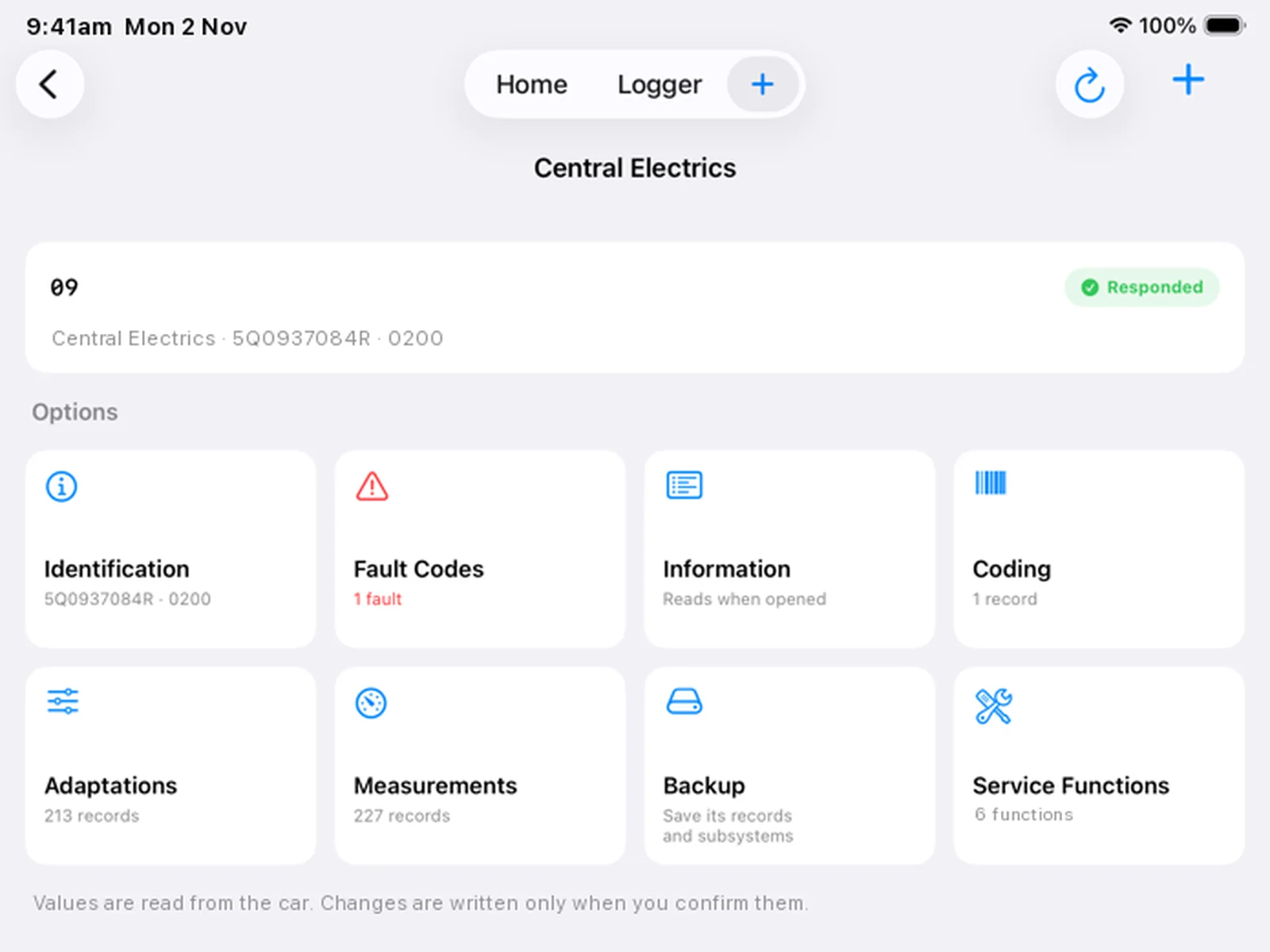
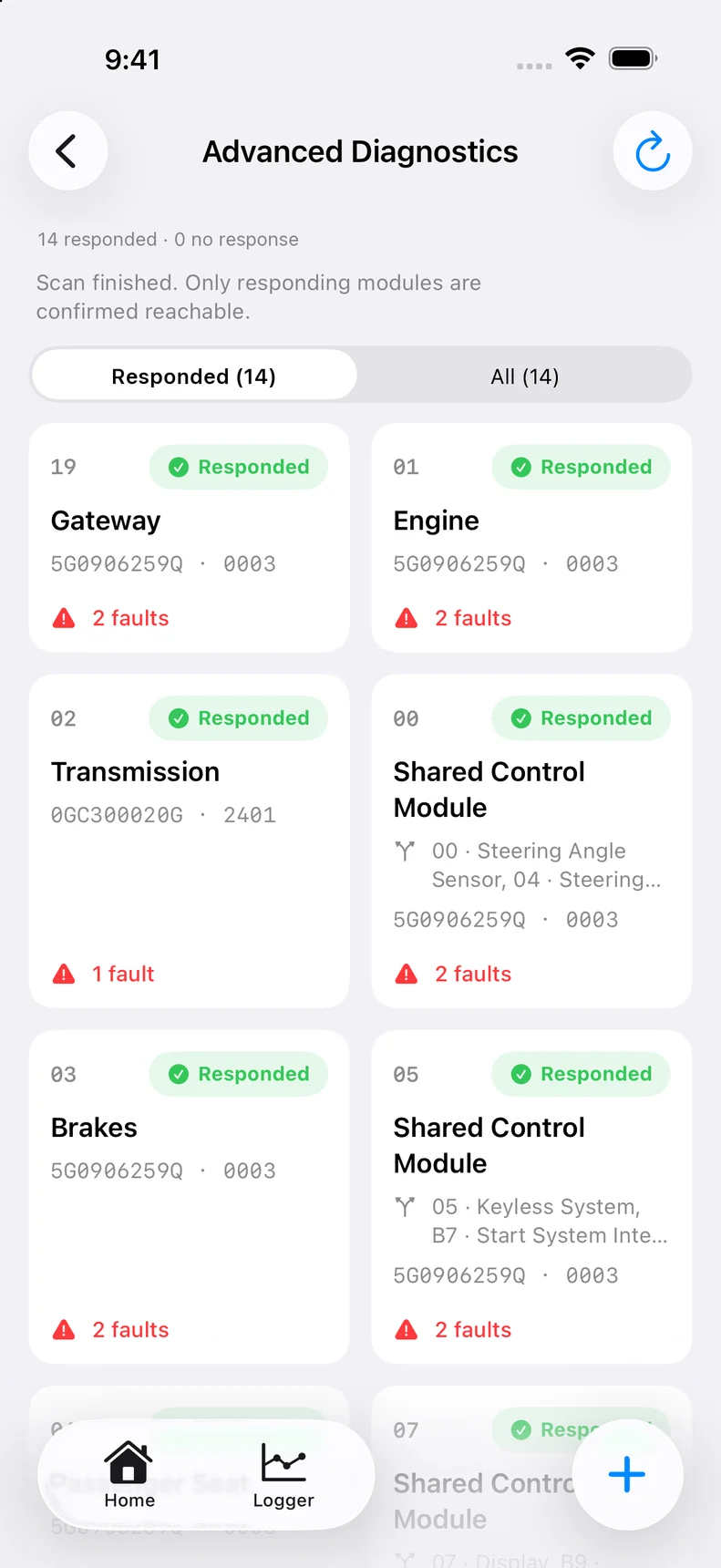
Every module the gateway reports, with part numbers and fault counts.
Coding and long coding, with named bits where the definition has them.
Read and change adaptation channels, with the original kept for undo.
Run basic settings, output tests and service functions.
Measurement values from any module, read as you watch.
Save a module's coding and adaptations before you change them.
OBD readiness and gateway installation list.
Every scan saved on your device, ready to compare or share.
US$50 a year on our website, or US$60 a year in the app. Cancel any time.
Flashing
Write your own calibration or full file. MQBone checks the car first and keeps a recovery path where the controller allows it.
DQ200 MQB and DQ500 (0BH / 0DL) on request. Check your car.
In development: MED17, MED9, MDG1 and Simos 19.
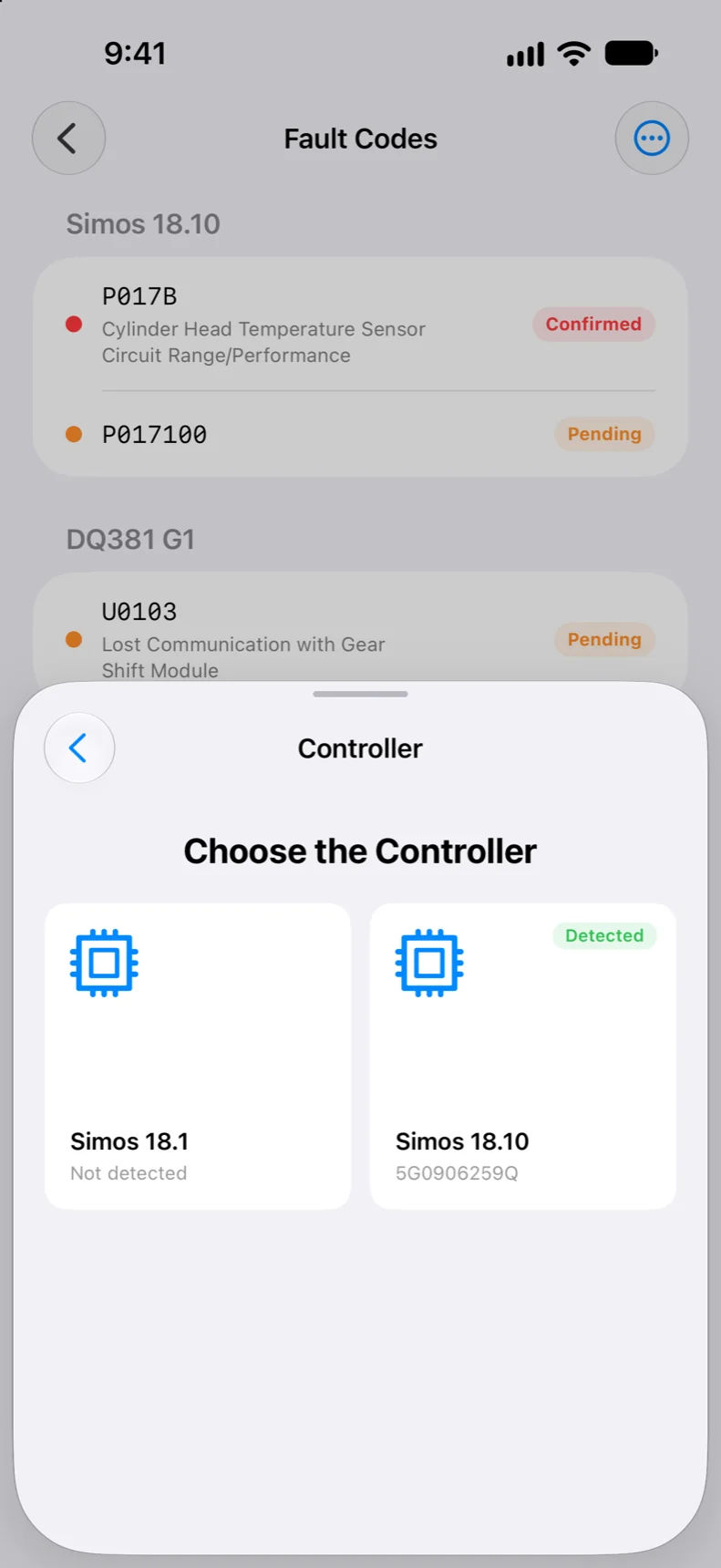
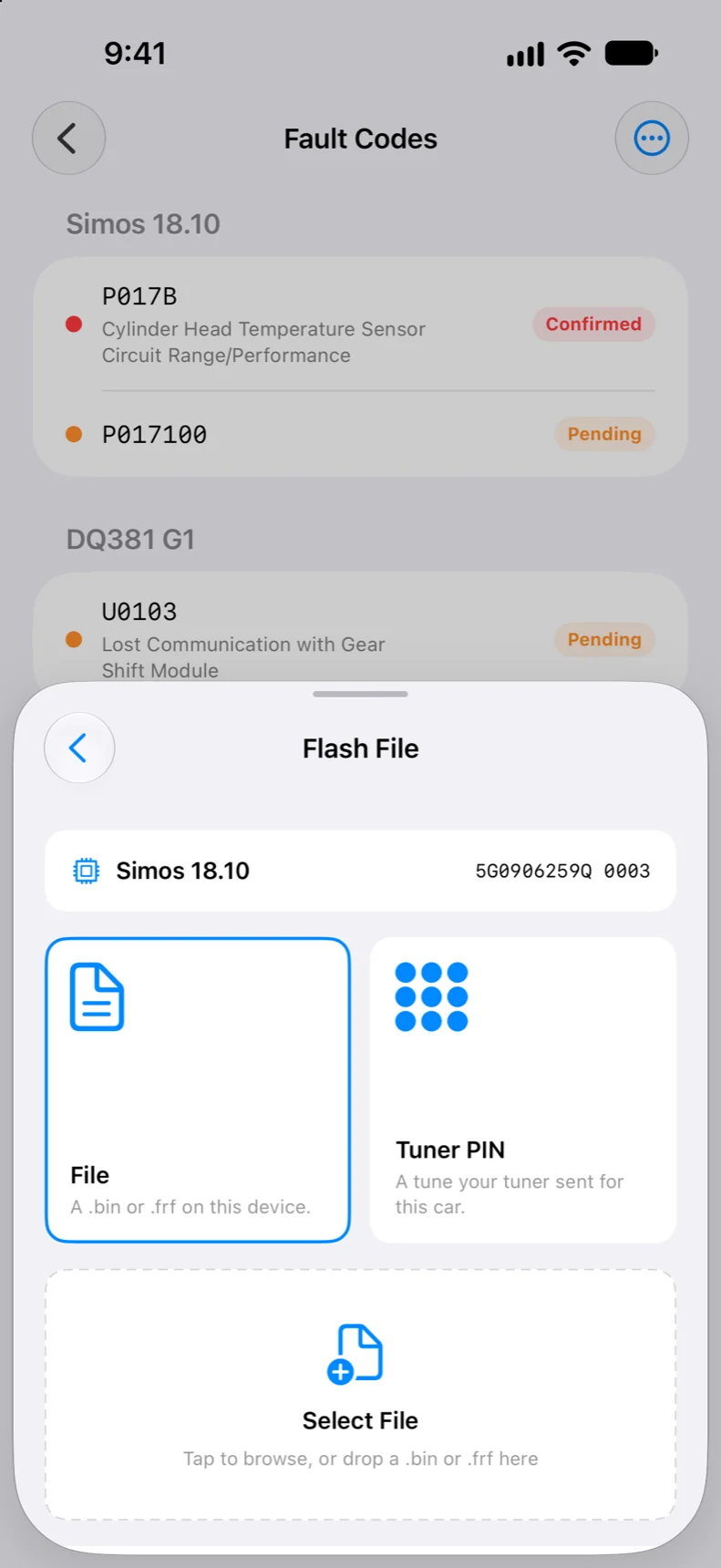
Tuner PIN
Your tuner uploads the file and sends you a 6-digit PIN. It only works on your car, and the file is never stored on your phone.
ECU Controls
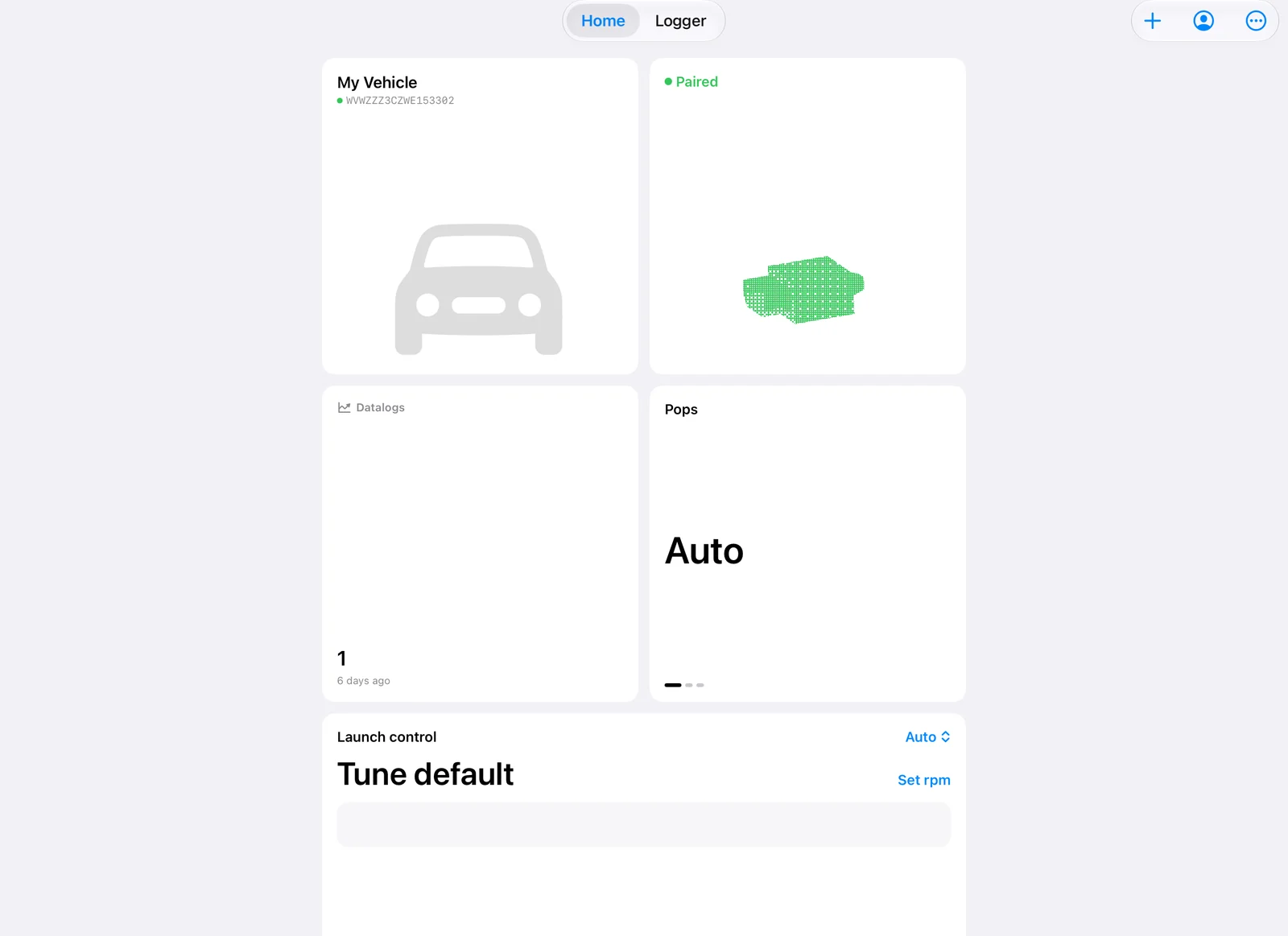
With a tune that includes MQBpatch, change them from a Home widget, with Siri or on CarPlay. More about MQBpatch
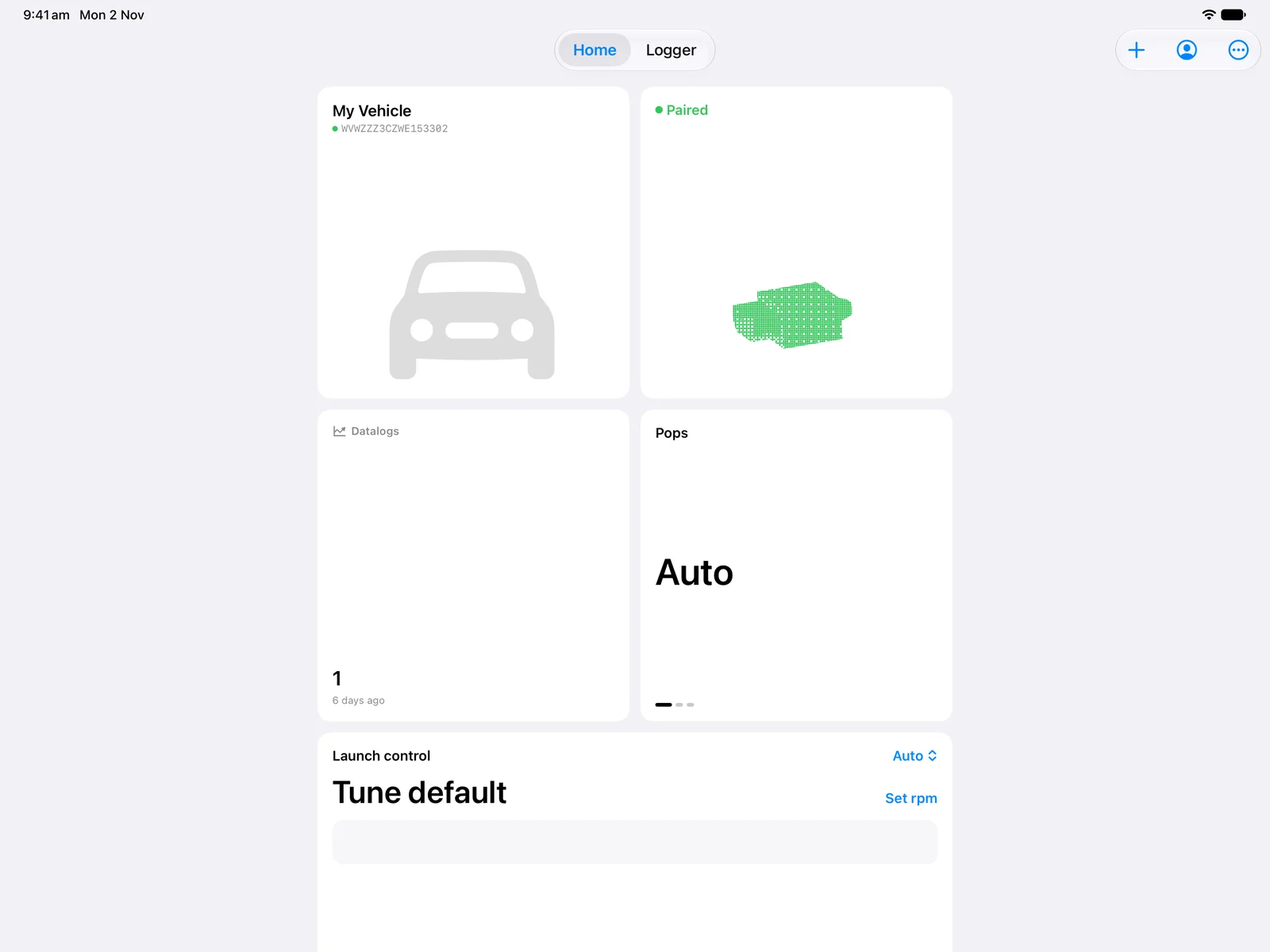
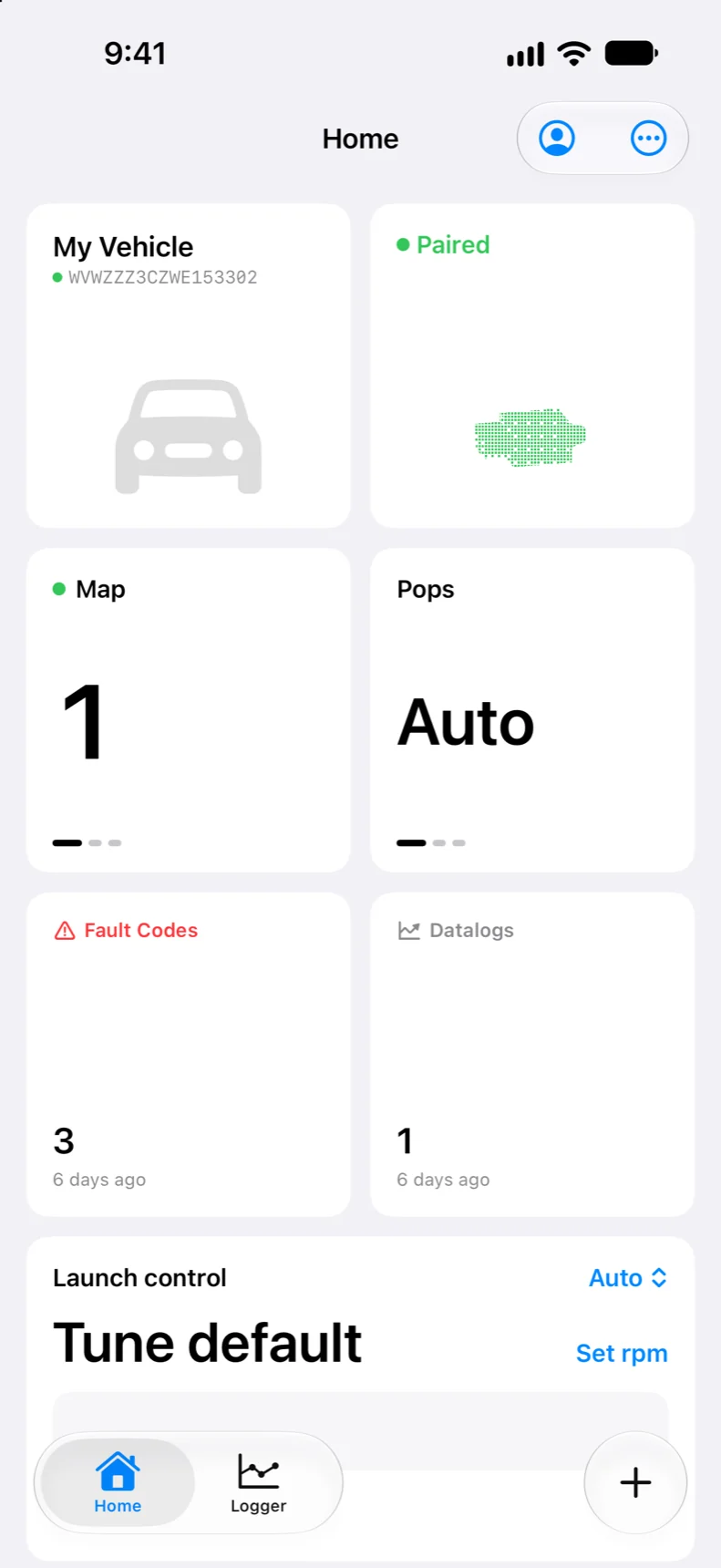
Swipe between the maps in your tune.
Tap to change the pops mode.
Pick a mode and set the launch rpm.
CarPlay
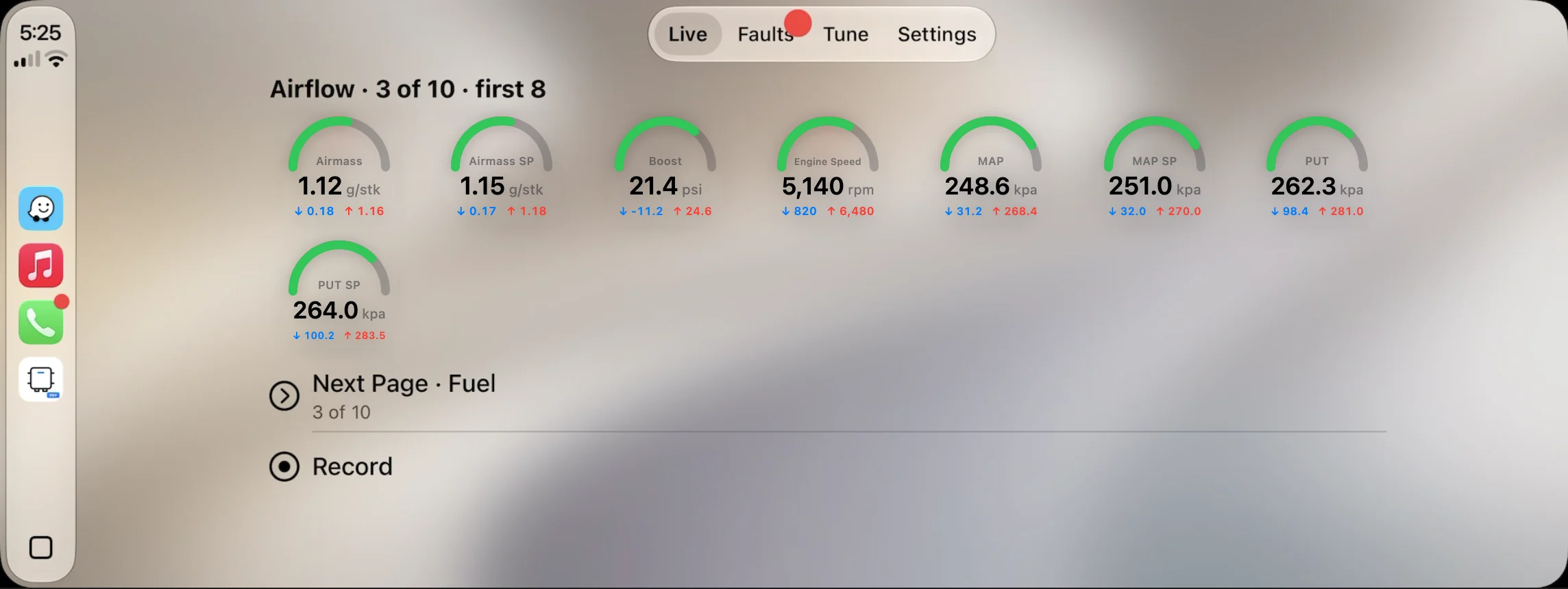
Up to eight live gauges, fault codes and your tune's controls, right on the dashboard.
Features
Gauges and graphs with running minimum and maximum, arranged the way you like.
Turn your iPhone sideways for a cockpit you size yourself. iPad has its own dashboard.
High-speed logging where the controller supports it, in metric or imperial.
Import your own PID definitions from a CSV file, saved per car.
Start by hand or on a trigger, with a lead-in and an end delay.
Scrub through a log, read every value at the cursor and pick the PIDs to draw.
Read and clear codes, with controller info, scan history and adaptations.
Scan every module, with coding, adaptations, basic settings and output tests. Yearly subscription.
Write calibration or full files, with checks first and a recovery path.
Unlock a protected Simos 18.1 or 18.10 so it can take a tune.
Flash a tune your tuner sends you with a 6-digit PIN. It only works on your car.
Switch maps, pops and launch control from Home. Needs a tune with MQBpatch.
Change map, pops or launch, read codes or start a log by voice.
Live gauges, fault codes and tune controls on the car's screen.
Vehicle, adapter, faults, last log, motion and weather with density altitude.
Your cars, their setups and your Home layout follow you to every device.
Every car saved by VIN with its own gauges, PIDs, units and history.
Follows your device language, including right-to-left layouts.
Devices
Buy once and it's yours on every device with the same Apple Account.
The full app, with a landscape cockpit for the car.
iOS 26 or laterIts own dashboard layout, with room for more gauges.
iPadOS 26 or laterThe same app on your desk.
macOS 26 or laterLive gauges, fault codes and tune controls on the car's screen.
With iPhoneMQBone connects through MQBadapter, our Bluetooth OBD-II adapter, sold separately.
Pricing
On every supported car.
A one-time purchase for one car.
A yearly subscription for your account.
You'll also need MQBadapter to connect MQBone to your car. It's bought separately.
TestFlight
Try MQBone before it reaches the App Store, and help shape what comes next.
Questions about your car or adapter? Talk to the people who build it.